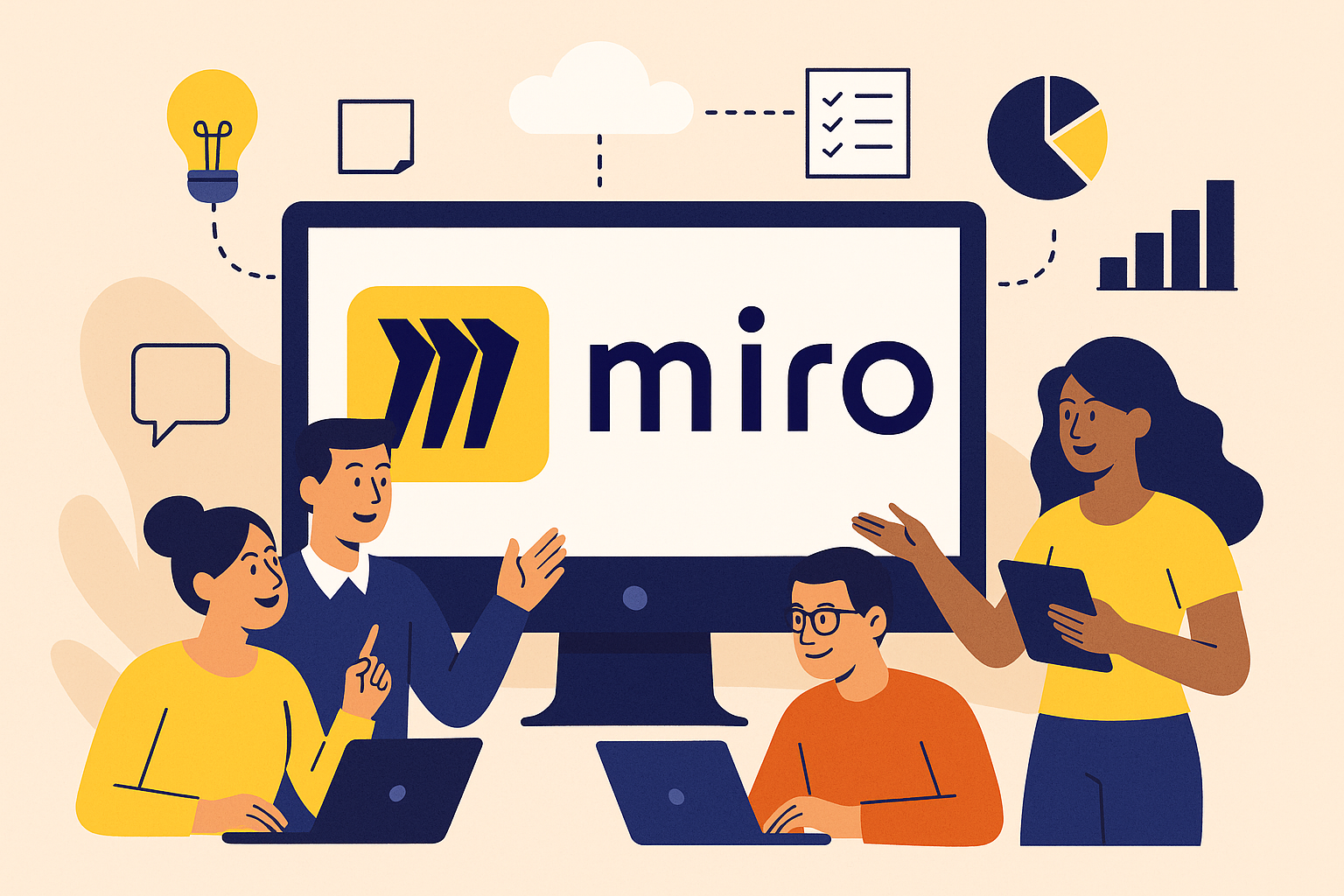
The shift toward remote and hybrid work has fundamentally changed how teams collaborate, communicate, and solve problems together. Traditional meeting rooms with physical whiteboards have given way to digital spaces where distributed teams can brainstorm, plan, and create as effectively as if they were in the same room. Miro has emerged as one of the leading solutions in this space, but understanding whether it’s the right fit for your team requires examining both its impressive capabilities and potential limitations.
What is Miro?
Miro is a visual collaboration platform that essentially creates infinite digital whiteboards where teams can work together in real-time, regardless of their physical location. Think of it as the evolution of the traditional whiteboard, but one that never runs out of space, can accommodate unlimited participants, and remembers everything you’ve ever written or drawn on it.
The platform operates on a simple but powerful premise that visual thinking enhances collaboration and problem-solving. Rather than forcing teams to rely solely on text-based communication through email or chat, Miro provides a canvas where ideas can be expressed through diagrams, sticky notes, flowcharts, mind maps, and freeform drawings. This visual approach mirrors how many people naturally think and helps teams identify patterns, connections, and solutions that might not emerge through traditional linear communication.
What makes Miro particularly compelling is how it bridges the gap between spontaneous creativity and structured collaboration. You can start with a completely blank canvas for free-form brainstorming, then gradually organize ideas into frameworks, workflows, or action plans without losing the creative energy that sparked the initial concepts.
Key Features and Capabilities
Understanding Miro’s feature set requires thinking about it as more than just a digital whiteboard. The infinite canvas concept means you never run out of space, allowing teams to expand their thinking without the constraints that physical boards impose. You can zoom out to see the big picture of an entire project or zoom in to focus on specific details, creating a flexible workspace that adapts to different thinking modes.
The real-time collaboration capabilities represent one of Miro’s most significant strengths. Multiple team members can work simultaneously on the same board, with changes appearing instantly for all participants. You can see cursors moving as teammates add content, which creates a sense of presence that’s often missing from other digital collaboration tools. This synchronous collaboration feels natural and immediate, much like working together around a physical whiteboard.
Template library serves as a crucial accelerator for teams who want to move beyond blank canvas paralysis. Miro provides hundreds of professionally designed templates covering everything from basic brainstorming sessions to complex business frameworks like customer journey mapping, agile retrospectives, and strategic planning exercises. These templates don’t just save time—they introduce teams to proven methodologies they might not have otherwise discovered.
The sticky note functionality might seem simple, but it represents sophisticated thinking about how teams actually work together. You can create, cluster, and reorganize ideas effortlessly, with features like voting, commenting, and color coding that help teams prioritize and refine concepts. The ability to convert sticky notes into action items or tasks creates a seamless transition from ideation to execution.
Integration capabilities ensure that Miro doesn’t exist in isolation from your existing workflow. The platform connects with popular tools like Slack, Microsoft Teams, Google Workspace, Jira, and dozens of other applications. This means you can embed Miro boards in other platforms, automatically sync content, and maintain continuity across your entire digital toolkit.
Presentation features allow you to transform collaborative work into polished presentations without leaving the platform. You can create presentation frames that guide viewers through your content in a structured sequence, making it easy to share findings and recommendations with stakeholders who weren’t involved in the creation process.
Pricing and Plans
Miro’s pricing structure reflects a thoughtful approach to accommodating different types of users and organizations. The free tier provides significant value for small teams or individuals wanting to explore visual collaboration. You get access to three editable boards with core features like real-time collaboration, basic templates, and integration with popular tools. This free option serves as an excellent introduction to the platform without any financial commitment.
The Starter plan, designed for small teams, typically costs around eight to ten dollars per member monthly when billed annually. This tier removes the board limitations and adds features like unlimited private boards, advanced facilitation features, and priority support. The pricing makes it accessible for small businesses and startups who want to implement visual collaboration without significant budget impact.
Team plans, usually priced in the twenty dollar range per member monthly, introduce advanced security features, guest editor capabilities, and enhanced integration options. This tier works well for growing organizations that need more sophisticated collaboration capabilities and tighter integration with existing business systems.
Business and Enterprise tiers provide the governance, security, and administrative controls that larger organizations require. These plans include features like single sign-on, advanced user management, compliance certifications, and dedicated customer success support. Pricing for these tiers typically requires direct consultation since costs vary based on specific organizational requirements and user volumes.
Similar Solutions in the Market
The visual collaboration space includes several notable alternatives that teams should consider alongside Miro. Mural represents Miro’s most direct competitor, offering similar infinite canvas capabilities with a strong focus on design thinking methodologies and structured facilitation. Both platforms provide comparable core functionality, though they differ in user interface design and specific feature implementations.
Figma has expanded beyond its design tool origins to include collaborative whiteboarding features, making it particularly attractive for teams already using Figma for design work. The integration between design and collaboration workflows creates seamless transitions from ideation to actual product development.
Microsoft Whiteboard integrates naturally with the Office 365 ecosystem, providing basic collaborative whiteboarding for organizations already invested in Microsoft’s productivity suite. While less feature-rich than Miro, it offers the advantage of existing infrastructure integration and familiar user experiences.
Conceptboard focuses on visual project management and structured collaboration, with features that bridge whiteboarding and traditional project management tools. Jamboard, Google’s entry in this space, provides basic collaborative whiteboarding with tight integration to Google Workspace, though with more limited functionality compared to dedicated platforms like Miro.
Advantages of Miro
Miro’s greatest strength lies in how it lowers the barriers to visual collaboration. The platform makes it incredibly easy for teams to start working together visually, regardless of their technical expertise or design background. The intuitive interface means that team members can focus on their ideas rather than struggling with software complexity.
The template ecosystem deserves particular recognition because it introduces teams to proven collaboration methodologies they might not discover otherwise. Rather than just providing a blank canvas, Miro educates users about structured approaches to brainstorming, planning, and problem-solving. This educational aspect transforms the platform from a simple tool into a capability-building resource.
The real-time collaboration experience feels remarkably natural and immediate. Unlike many digital collaboration tools that feel stilted or delayed, Miro creates a sense of presence and shared activity that closely approximates in-person collaboration. Teams often report that Miro sessions feel more engaging and productive than traditional video conferences.
Scalability represents another significant advantage. Miro works equally well for quick two-person brainstorming sessions and large-scale workshops involving dozens of participants. The platform maintains performance and usability across different scales of collaboration, which isn’t true for all visual collaboration tools.
The integration ecosystem ensures that visual collaboration doesn’t exist in isolation from other business processes. Teams can embed Miro boards in project management tools, automatically sync content with documentation systems, and maintain consistency across their entire digital workflow.
Potential Drawbacks and Limitations
The learning curve, while generally manageable, can be steeper than expected for teams new to visual collaboration. Moving from traditional text-based communication to visual thinking requires both technical adaptation and conceptual shifts that some team members may find challenging initially.
Performance considerations become apparent when working with very large boards or complex content. While Miro generally handles substantial amounts of content well, teams creating extensive visual documentation may experience slower loading times or reduced responsiveness, particularly on less powerful devices.
Cost accumulation represents a significant consideration for larger organizations. While individual user pricing may seem reasonable, costs can escalate quickly as teams grow, especially when factoring in the higher-tier plans that provide necessary security and administrative features for enterprise use.
The overwhelming feature set can paradoxically reduce productivity for some users. With hundreds of templates, extensive customization options, and numerous collaboration features, some teams find themselves spending more time exploring possibilities than actually collaborating. This abundance of choice can lead to decision paralysis rather than enhanced productivity.
Export and offline limitations may concern teams who need to work with content outside the platform. While Miro provides various export options, the dynamic, interactive nature of boards doesn’t always translate well to static formats, potentially limiting how content can be shared with stakeholders who don’t have platform access.
Is Miro Right for Your Team?
Miro works exceptionally well for teams whose work involves significant creative collaboration, problem-solving, or strategic planning. The platform particularly benefits remote and hybrid teams who need to replicate the spontaneous collaboration that happens naturally in physical spaces. If your team regularly engages in brainstorming sessions, design thinking workshops, agile ceremonies, or strategic planning exercises, Miro’s visual approach can dramatically improve both engagement and outcomes.
Organizations with distributed teams will find Miro’s real-time collaboration capabilities particularly valuable. The platform excels at maintaining team cohesion and shared understanding across geographic boundaries, creating collaborative experiences that transcend the limitations of traditional video conferencing and document sharing.
Teams who value methodological rigor will appreciate Miro’s extensive template library and structured facilitation features. Rather than approaching each collaboration session as a blank slate, teams can leverage proven frameworks and methodologies that guide productive outcomes. This structural support helps teams new to visual collaboration achieve better results more quickly.
However, teams with primarily text-based collaboration needs or those working in highly regulated environments with strict data governance requirements might find simpler alternatives more appropriate. Miro’s strength in visual collaboration may represent unnecessary complexity for teams whose work doesn’t benefit significantly from visual thinking approaches.
The platform requires a cultural commitment to visual collaboration that extends beyond simply purchasing software licenses. Success with Miro depends on team members embracing new ways of working together, which requires leadership support and sometimes formal change management efforts. Organizations should consider whether they’re prepared to invest in the behavioral changes that maximize Miro’s value, not just the technology itself.
Ultimately, Miro succeeds when organizations recognize visual collaboration as a strategic capability rather than just a digital whiteboard replacement. The platform’s true value emerges when teams use it to fundamentally improve how they think, create, and solve problems together, rather than simply digitizing existing processes.
